Playback
More than play and pause.
Skip, restart, stop, seek by percentage, jump forward or back, change playback speed, choose shuffle and repeat modes, or run a player-specific like action.
Media controls for Wear OS, made yours.
Control music, follow lyrics and make every gesture your own. Svartifoss connects the player on your phone to a watch that feels like you.
Android phone + Wear OS watchInstallation options
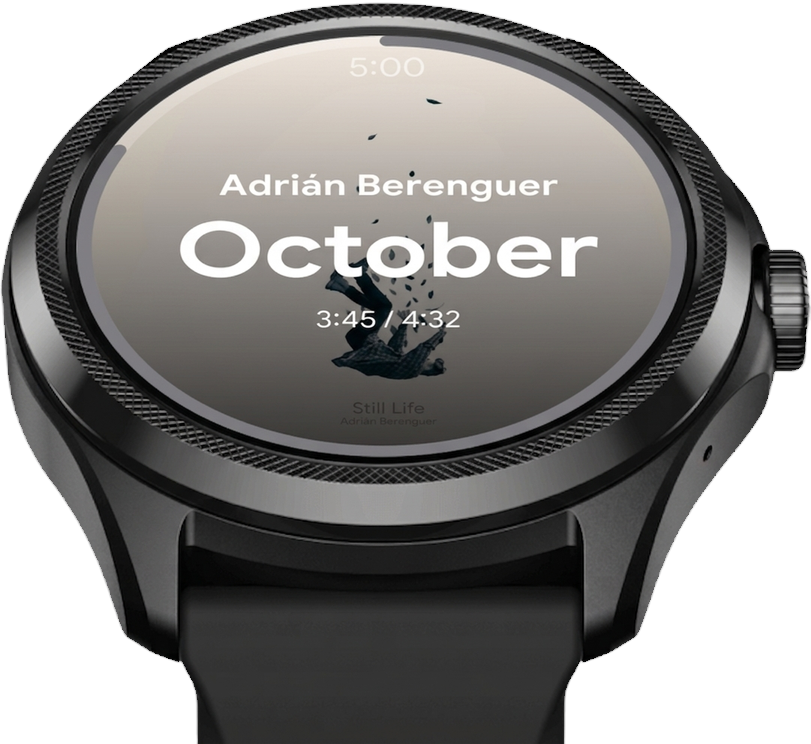
Choose your controls and style on the phone. Your paired watch updates automatically, with no Svartifoss account needed.
Every button, gesture, and screen is yours to assign from the phone app. The watch mirrors it over the local Wearable Data Layer — no account or Svartifoss server. Beyond your two devices, the app talks to GitHub for the optional update check and only when you explicitly open the Community themes gallery, to Firebase for diagnostics and occasional developer announcement notifications, and — only if you opt in — to the streaming service itself to fetch a saved shortcut's cover art. Crashlytics reports, announcement notifications, and shortcut artwork can all be switched off under Data & support → Privacy or Apps.
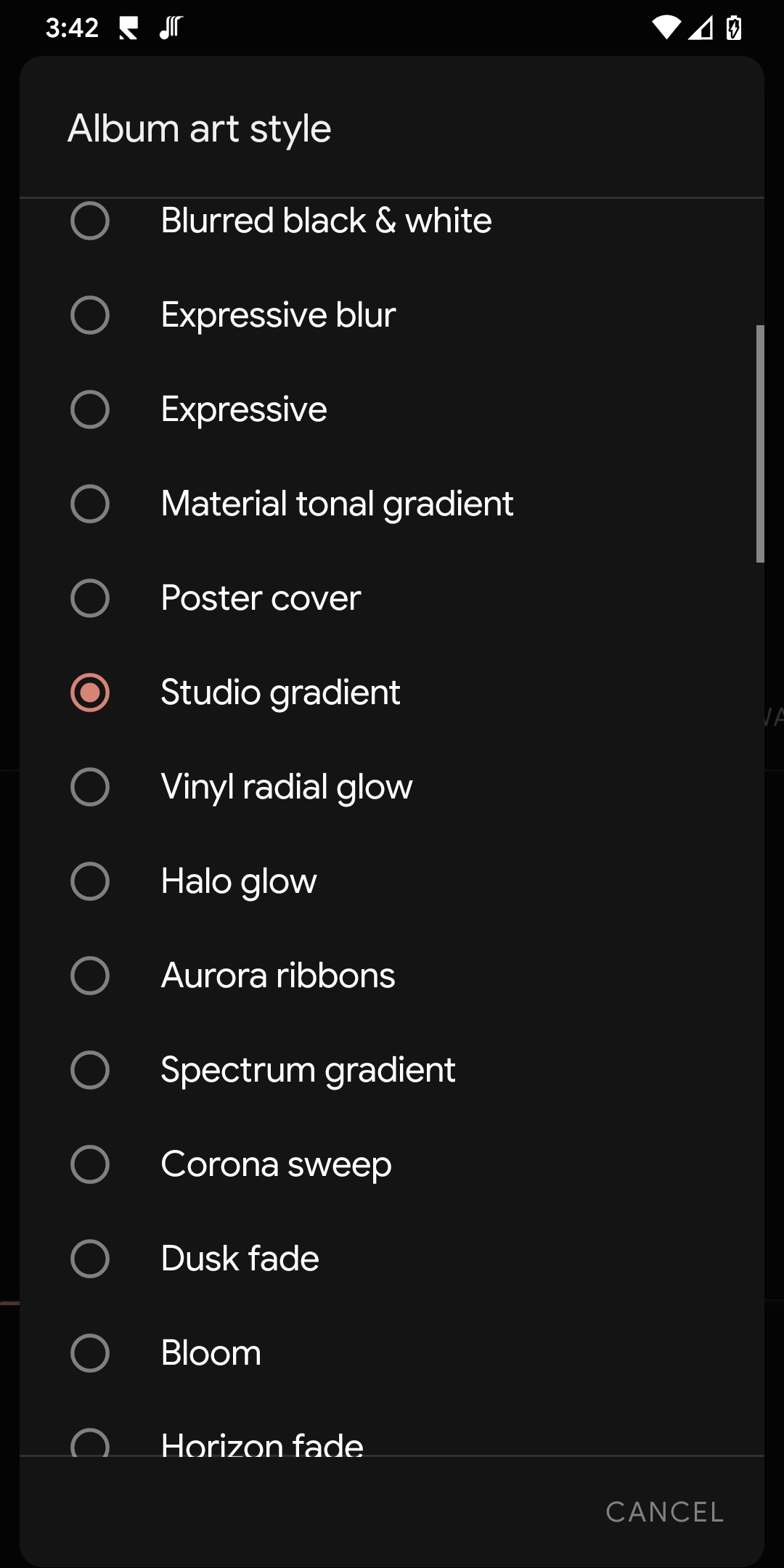
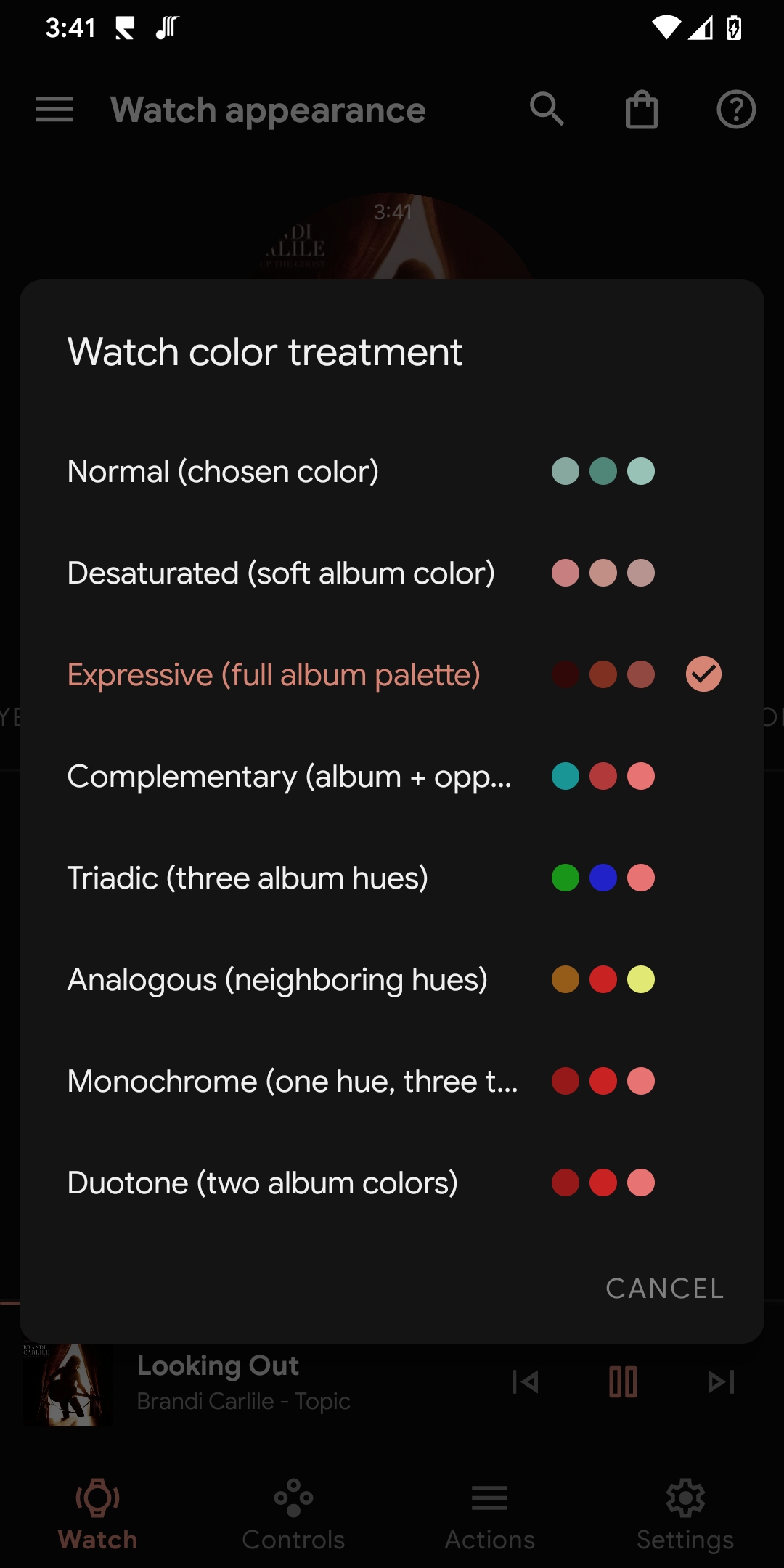
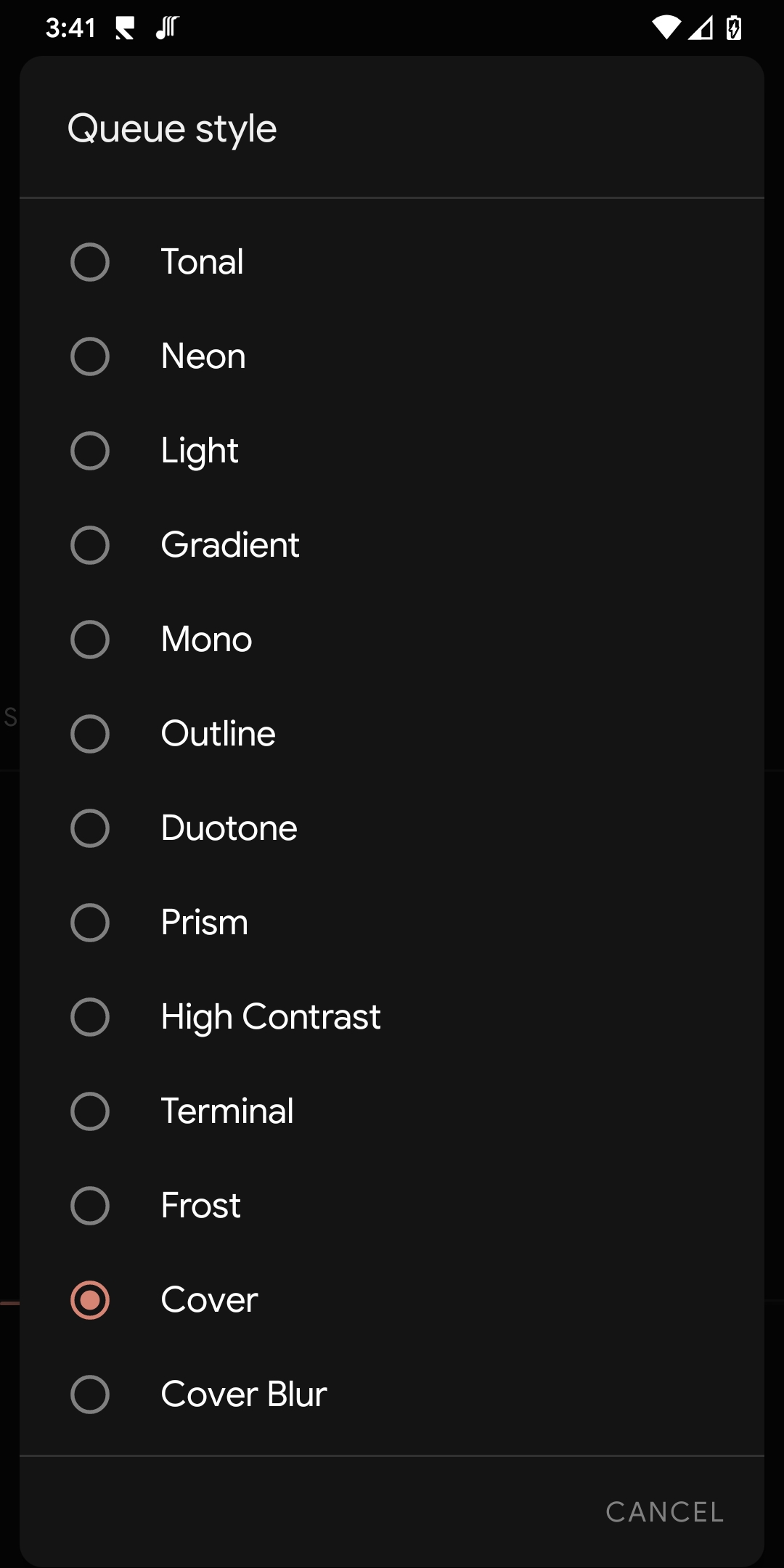
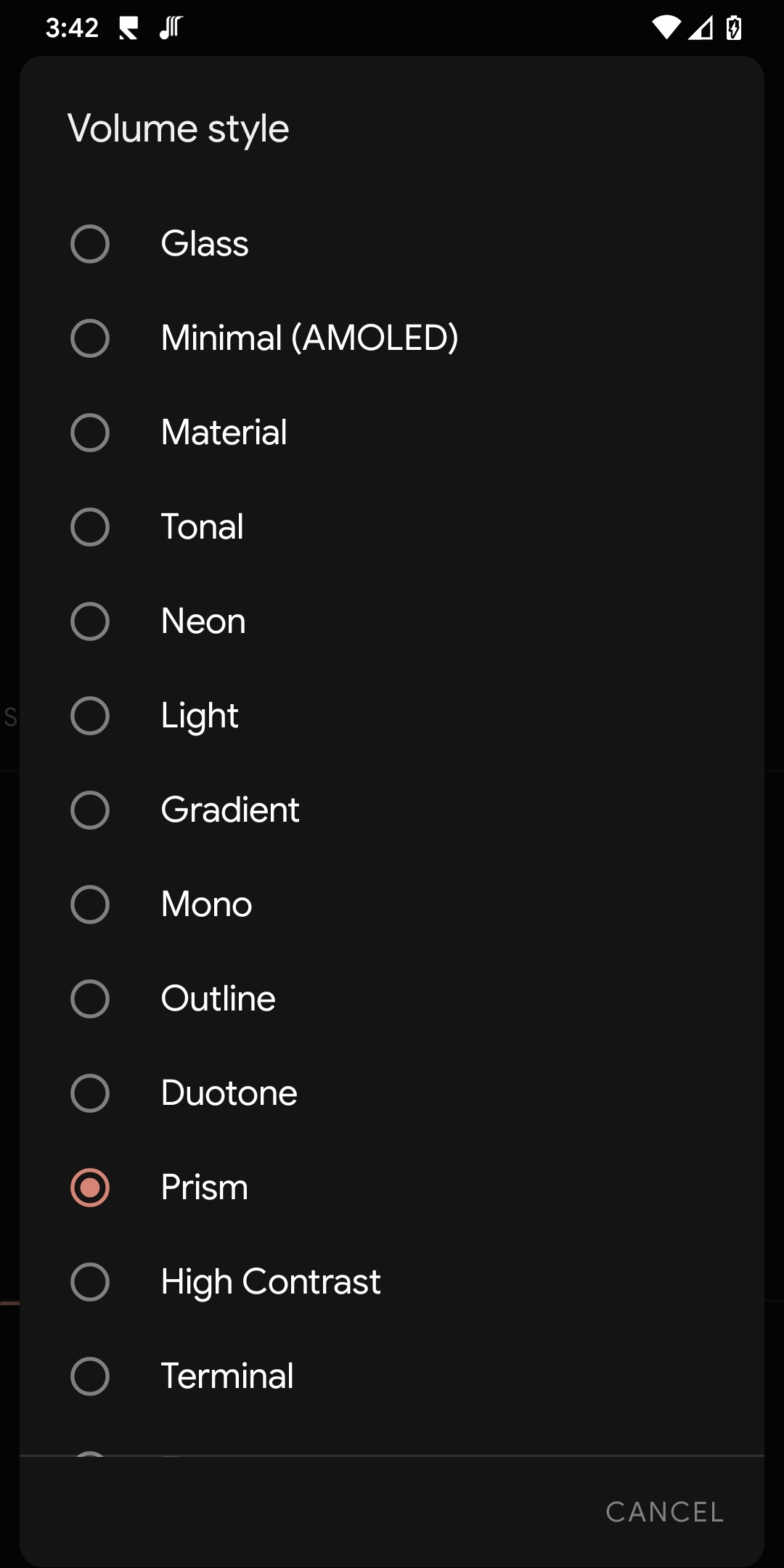
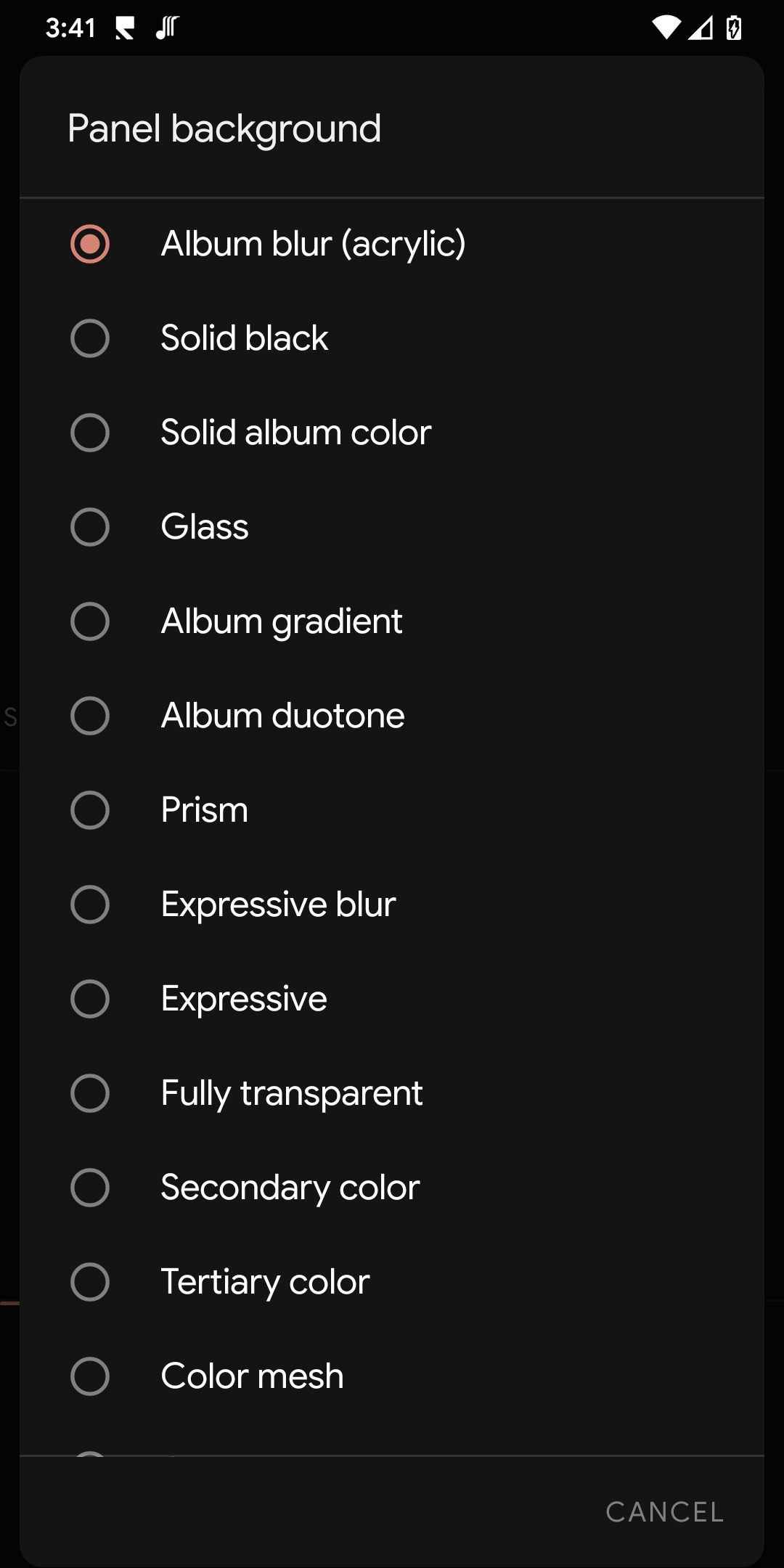
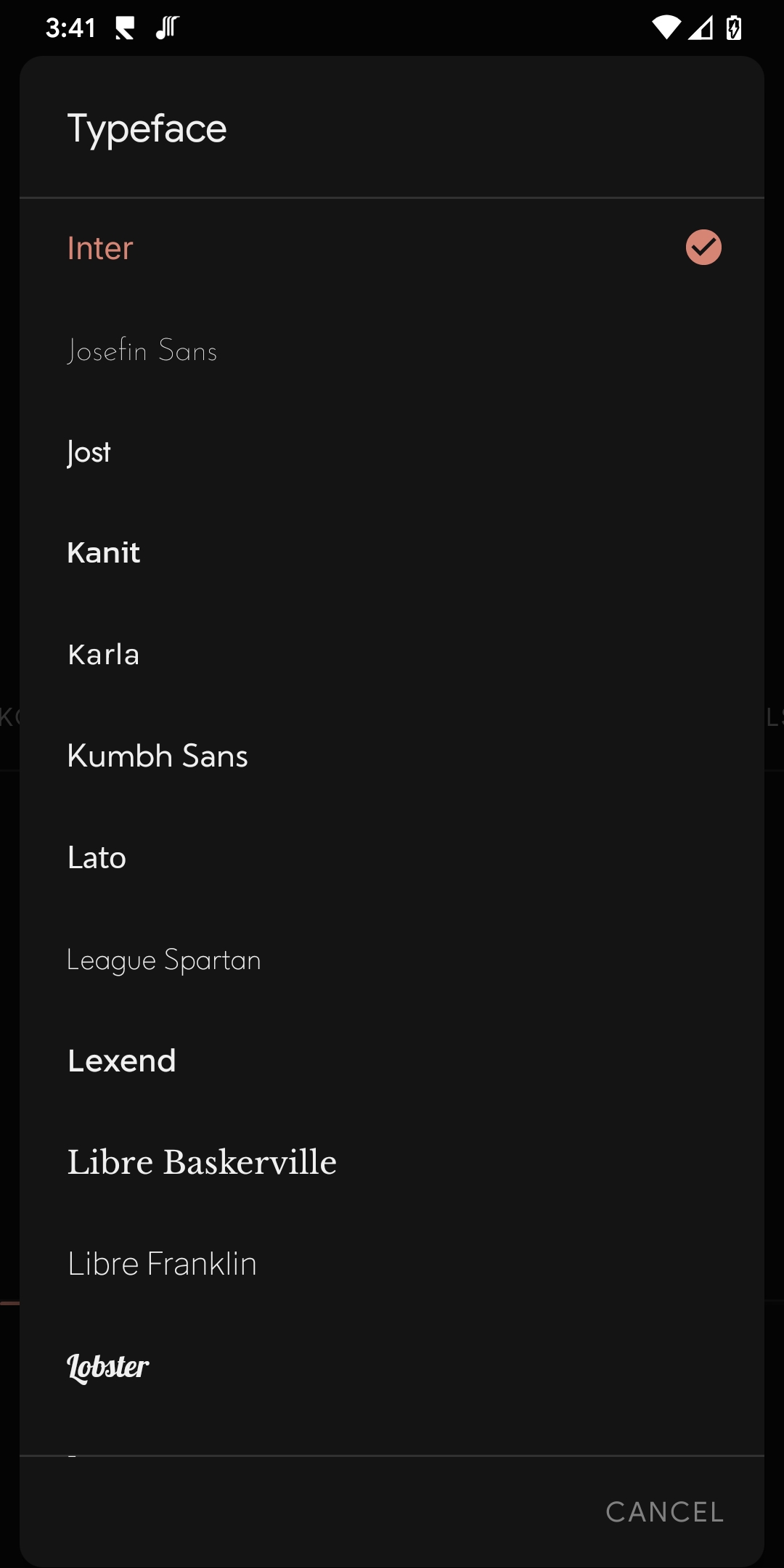
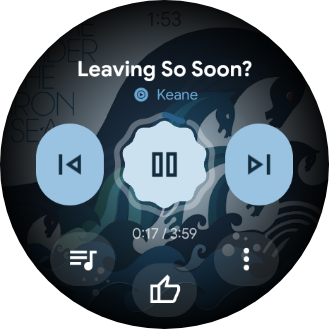
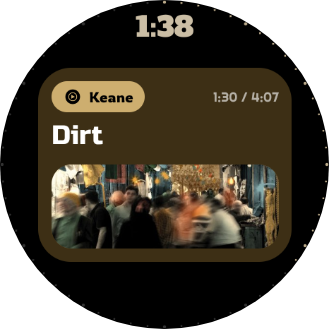
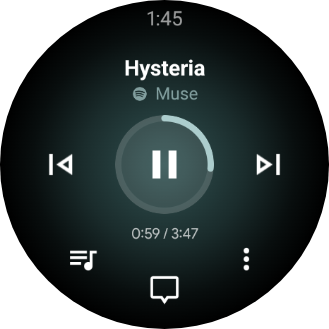
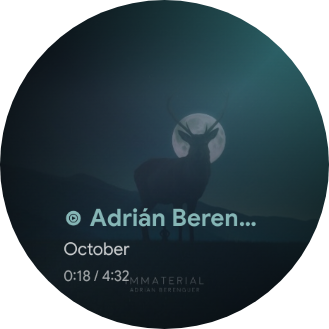
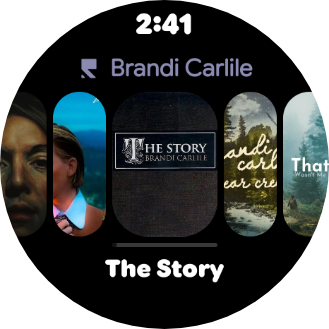
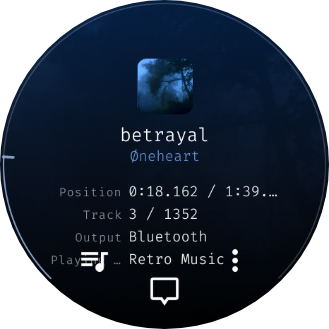
Nothing about Svartifoss is fixed. Pick what each input does, how the screen looks, and what shows up when nothing's bound to a button.
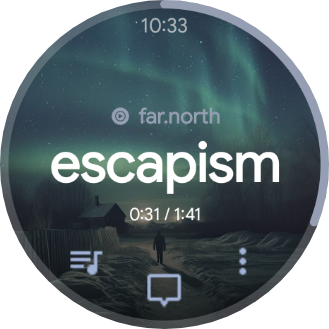
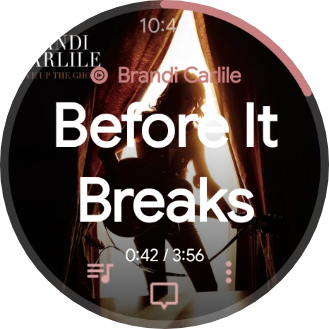
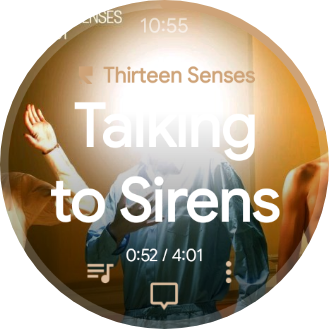
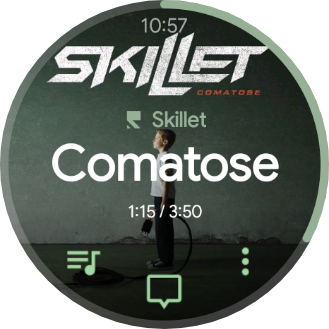
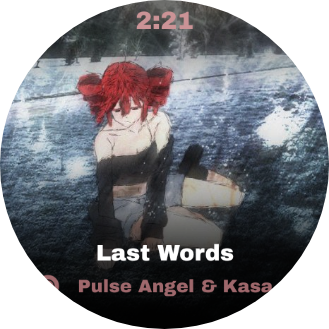
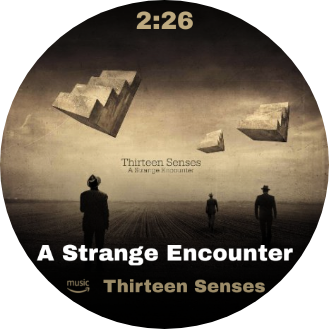
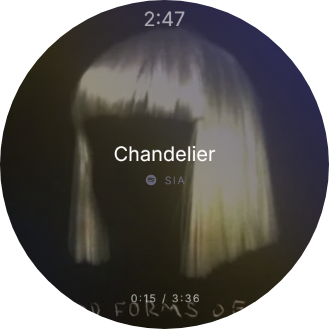
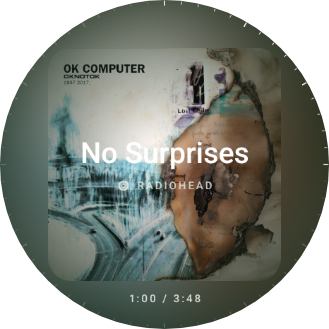
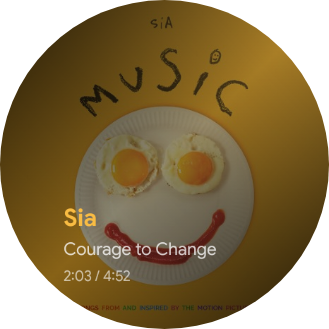
Album art, live position, transport controls and a draggable seek surface. Choose from fifteen in-app faces, including Classic, Expressive, Poster, Studio, Carousel, Verse, Metadata and the performer-forward Artist — each one rebuilt around the cover that's playing.
Physical buttons, screen quadrants, swipes, the center tap, digital crown, bezel, mini buttons and supported double-pinch gestures can all run different actions while music is playing or stopped.
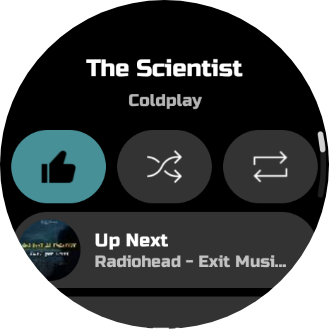
Double-tap to open a configurable panel with three round slots and one wide row. Pick an action for every slot, or mirror the real actions and icons published by the current player's notification.
Browse a live queue with paging and artwork when the player exposes one, jump to an exact item, or fall back honestly to locally tracked listening history when it doesn't.
A media Tile with transport and ±10-second seek, a second Tile for saved streaming shortcuts, and an album-art/title complication for the watch face you're already using.
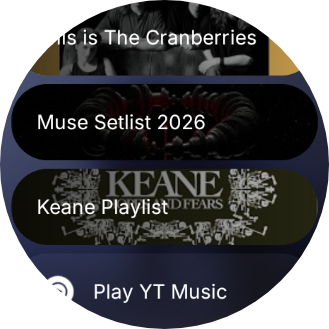
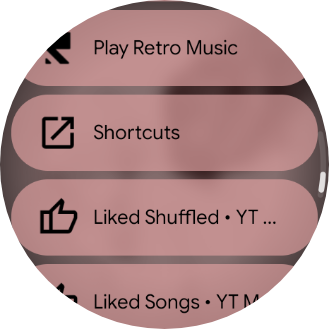
Search by voice or keyboard, browse the player's library, replay or remove search history, and open saved links to tracks, albums, playlists, artists, shows and mixes.
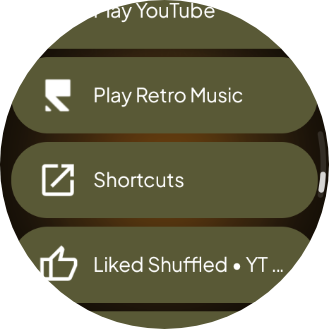
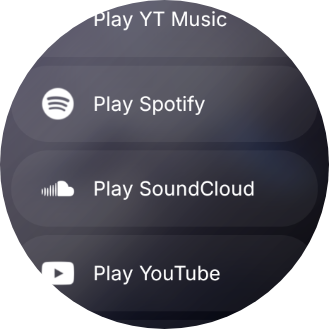
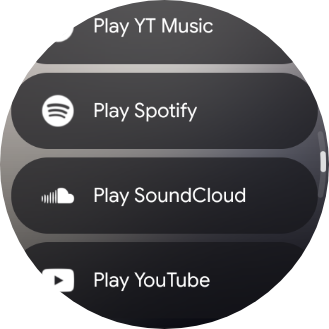
A full-screen list for anything not bound to a button or gesture — nothing is ever more than one extra tap away.
Any app exposing a standard Android media session can provide basic control. Queues, libraries, search, likes and other extras appear when that player publishes the relevant Android capability.
Svartifoss is not a fixed three-button remote. It gives the watch a complete action catalogue, then lets you decide which input should run which command.
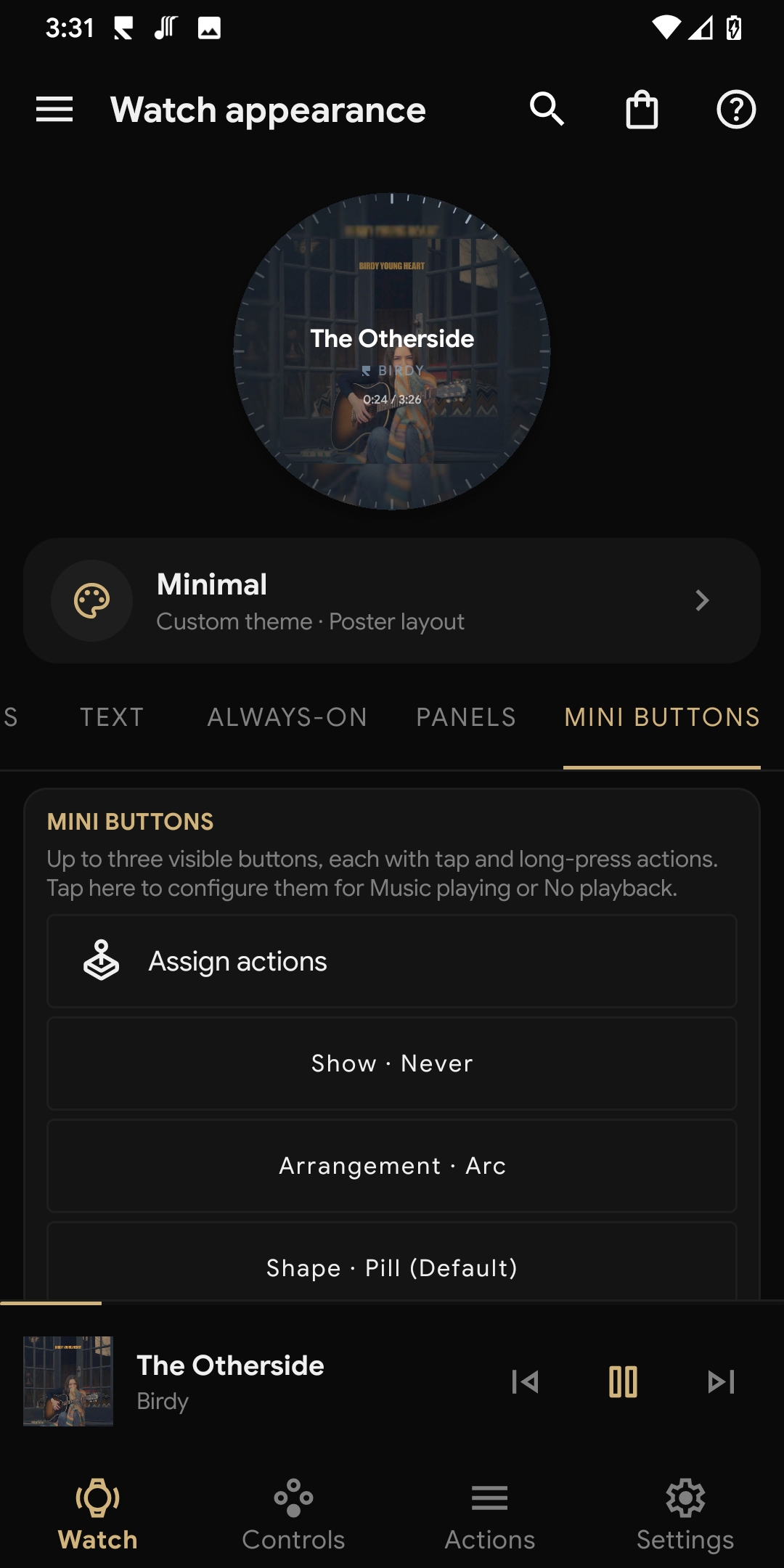
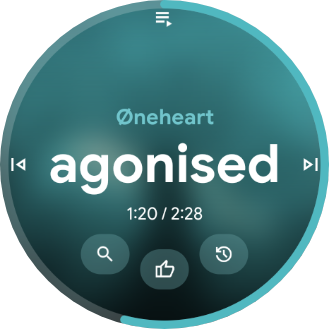
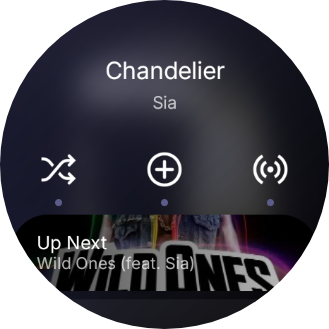
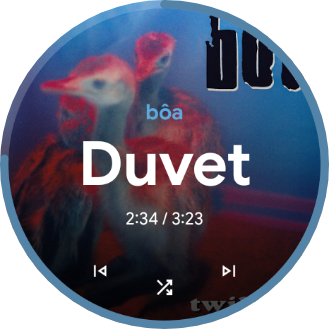
Skip, restart, stop, seek by percentage, jump forward or back, change playback speed, choose shuffle and repeat modes, or run a player-specific like action.
Physical buttons, single/double/long presses, touch zones, swipes, center actions, mini buttons and — on compatible watches — crown, bezel or double-pinch input.
Music playing and No playback are separate configurations. The same input can skip a track now and open a saved playlist when playback has stopped.
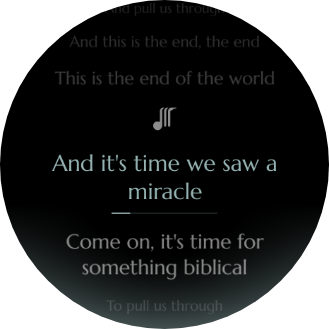
Open queue, lyrics, volume, progress or face picker; browse a library; launch an app; run Tasker; or start a streaming shortcut without reserving a physical button.
Svartifoss stays honest about what the active player makes available: a live queue when there is one, history when there is not, and optional search, lyrics and details only where the phone can retrieve them.
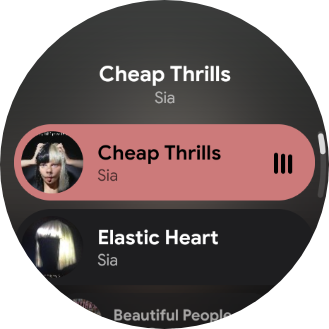
Browse the current playback queue, request more items and jump to a track. If the active player does not publish a queue, Svartifoss shows its locally tracked listening history instead.
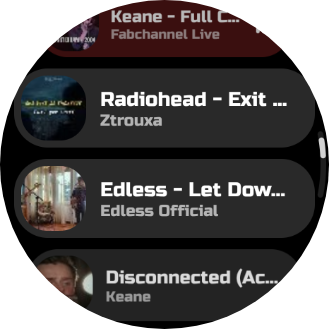
Search by voice or keyboard, replay recent searches, browse a MediaBrowser library when the app offers one, and keep saved playlist shortcuts reachable from the watch.
Lyrics are requested only when a lyrics surface or Verse needs them. Metadata is built from player tags, local-file details where permitted, and optional MusicBrainz enrichment — it never invents information the source does not provide.
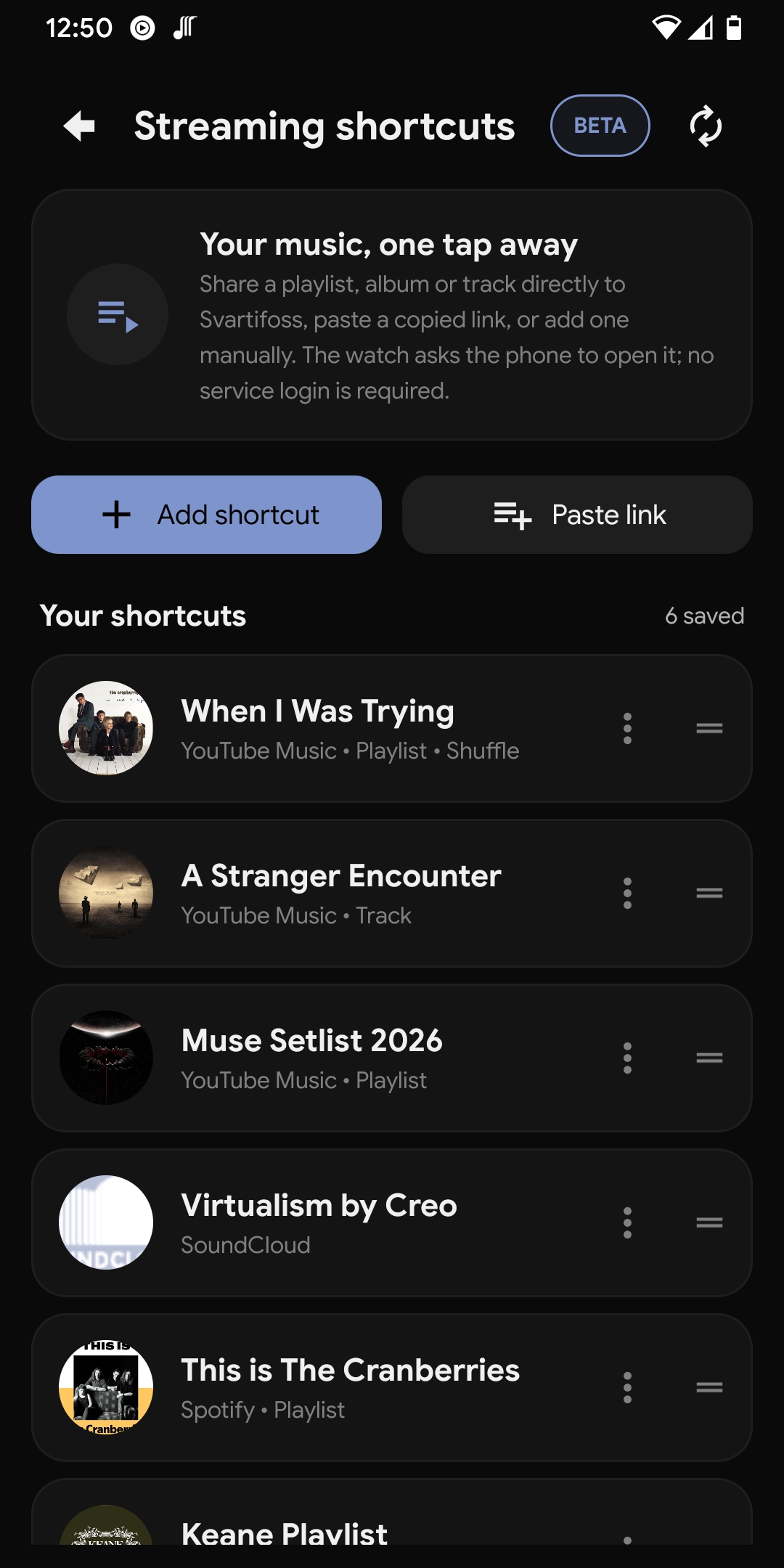
Share or paste a track, album, artist, playlist, show, episode or mix. On the watch it opens with its cover and a choice of Play or Shuffle. Svartifoss first attempts the contracts the target app supports and opens the link visibly only when direct playback is unavailable.
These are in-app now-playing layouts, not separate Wear OS watch-face packages. Immersive, Poster, Studio, Expressive, Classic and more rebuild their palette, gradients and progress from the cover that's playing. Pick one per playback state and preview it live from the phone.
Swipe or use the arrows to browse. Select an image to enlarge.
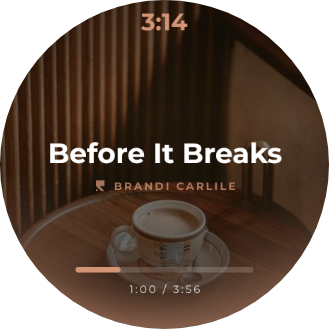
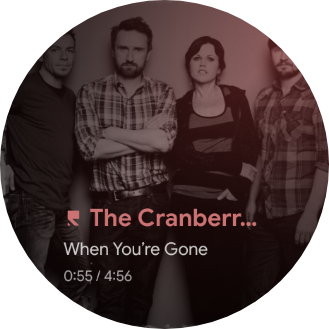
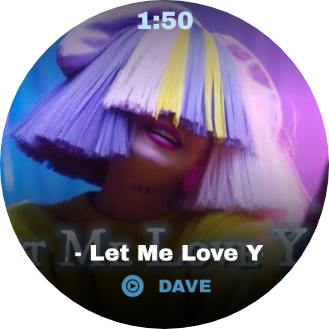
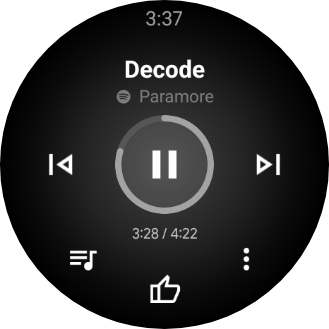
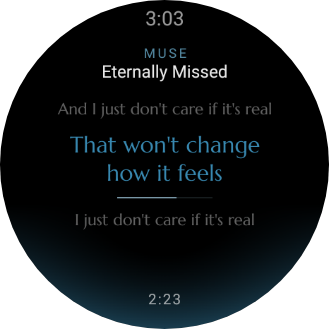
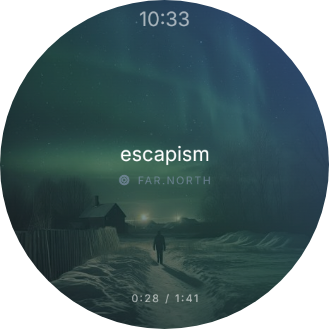
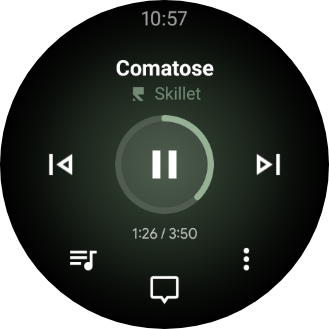
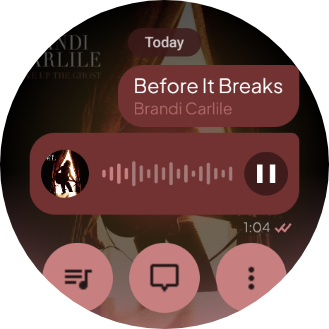
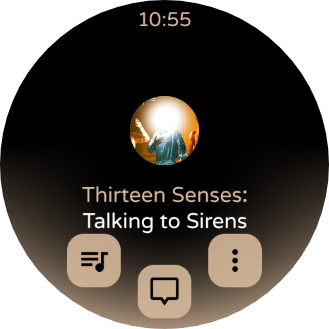
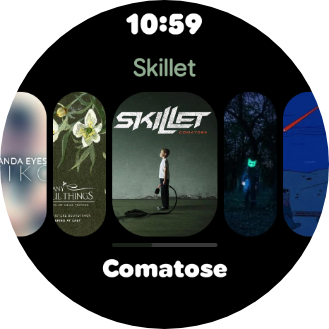
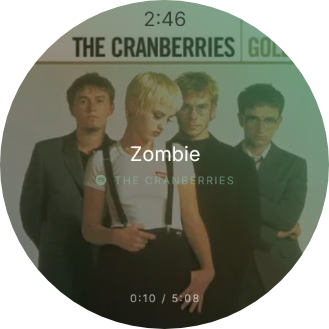
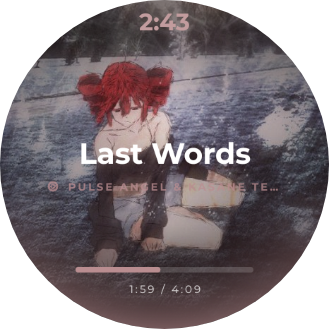
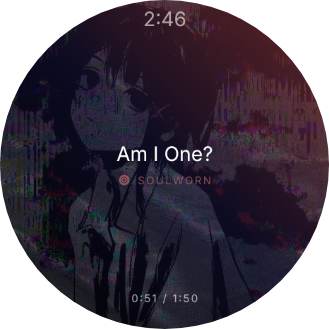
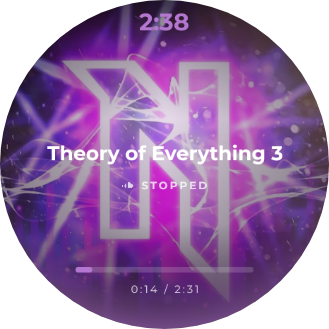
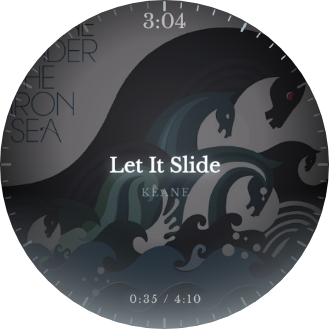
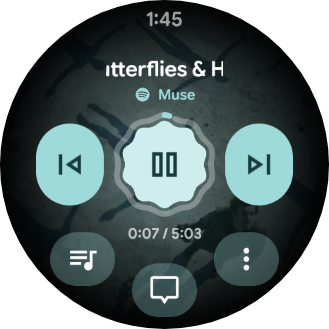
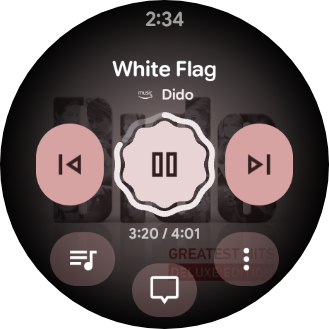
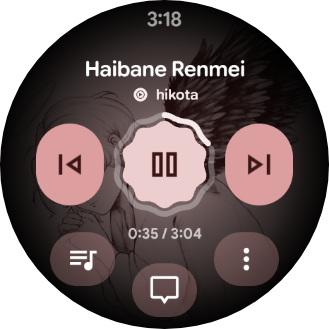
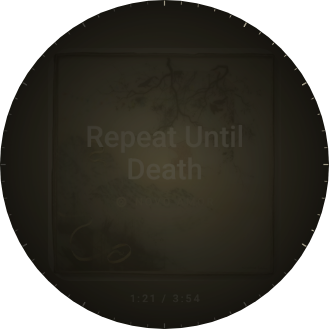
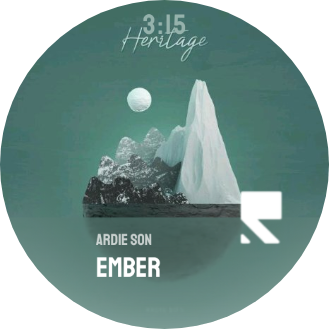
Choose one of 15 sample layouts to see how it adapts to four album covers. These are real captures from a watch.
Install Svartifoss on both your Android phone and Wear OS watch, then open both apps to get connected.
Get the phone and watch apps from Google Play. On your phone, allow notification access so Svartifoss can find your music player.
Android 6.0+ · Wear OS 2 or newer
On Google Play, Svartifoss is a paid app: one purchase covers your phone and watch and supports development. The source code and the free APKs stay on GitHub.
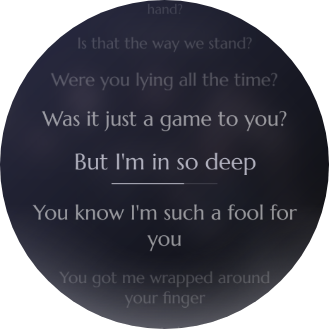
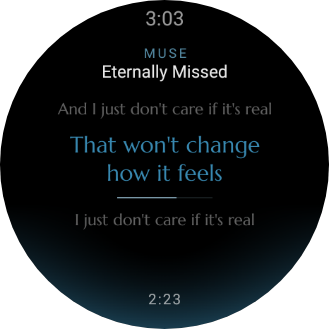
Volume, seek, the quick-actions panel, the queue and the lyrics screen each carry a full catalog of styles — a sample of each is below. Mix and match them freely; none of it is tied to whichever face is running underneath.
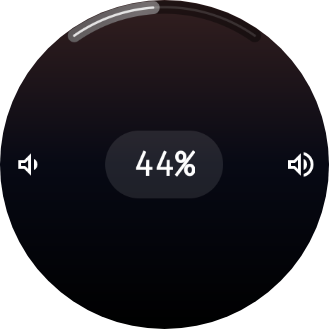
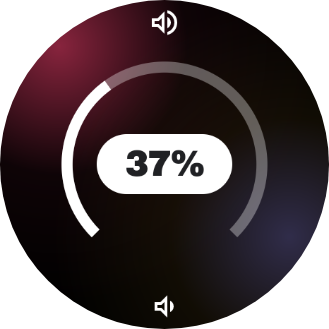
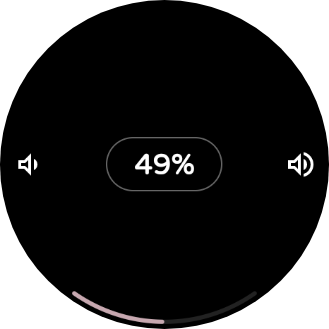
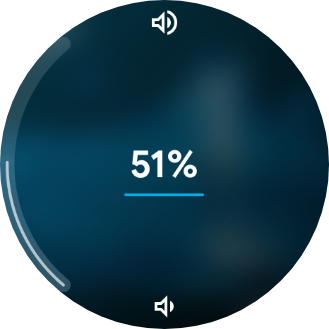
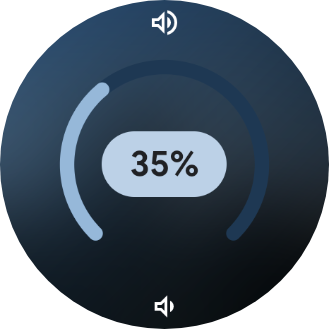
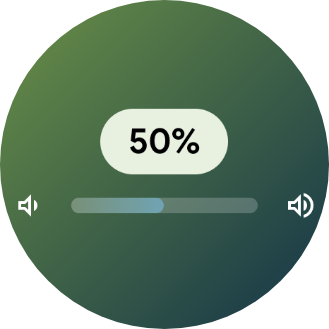
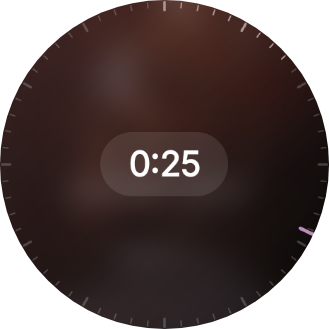
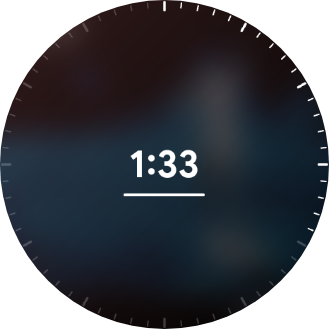
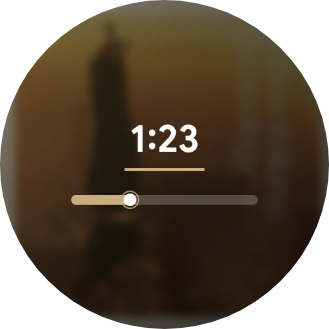
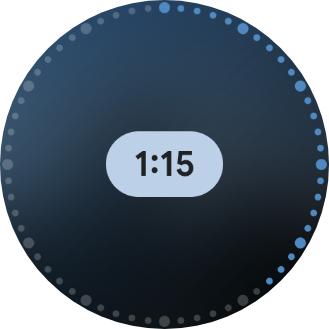
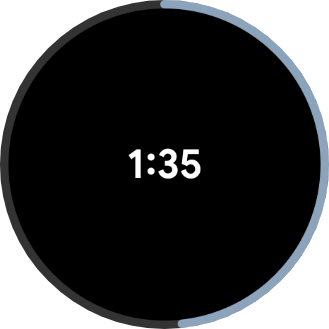
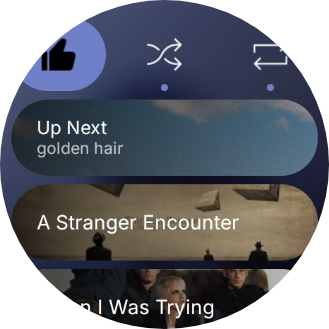
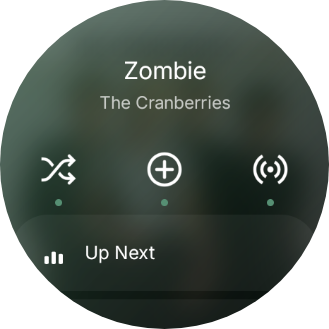
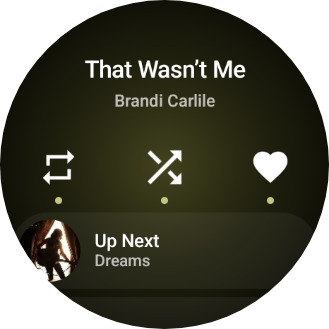
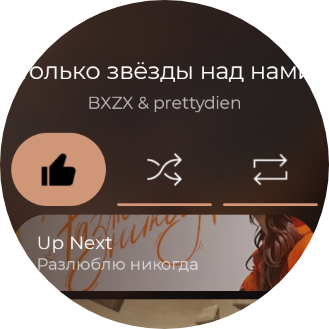
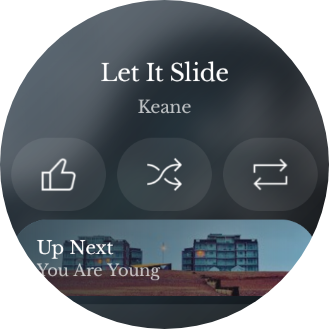
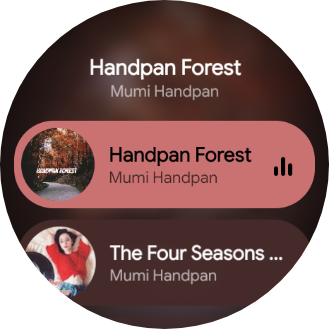
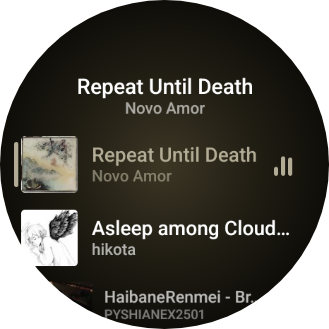
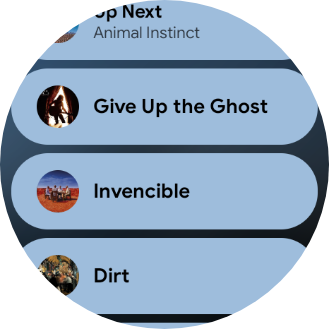
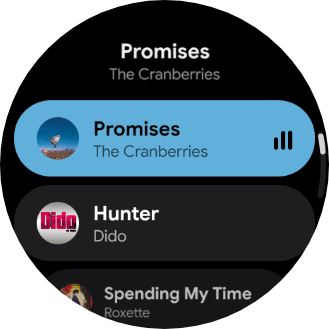
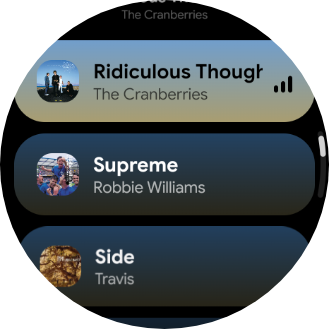
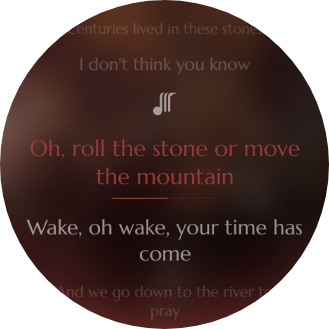
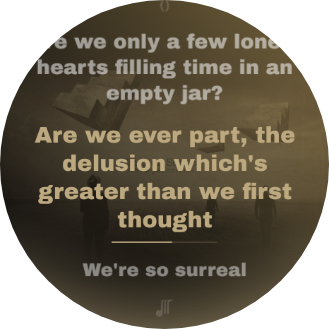
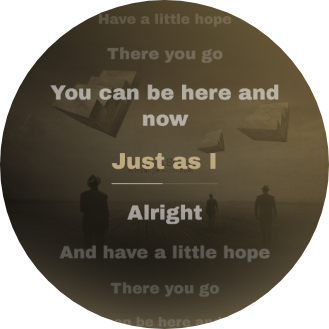
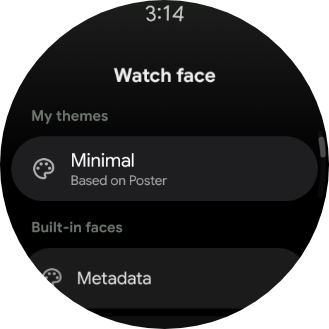
Save a look as a named theme and switch between them in one tap. Each profile can combine a base face, typography, colors, artwork, background layers, progress, overlays, panels, mini buttons and the always-on display. Every gallery miniature is rendered on your phone from the theme data against a built-in sample track.
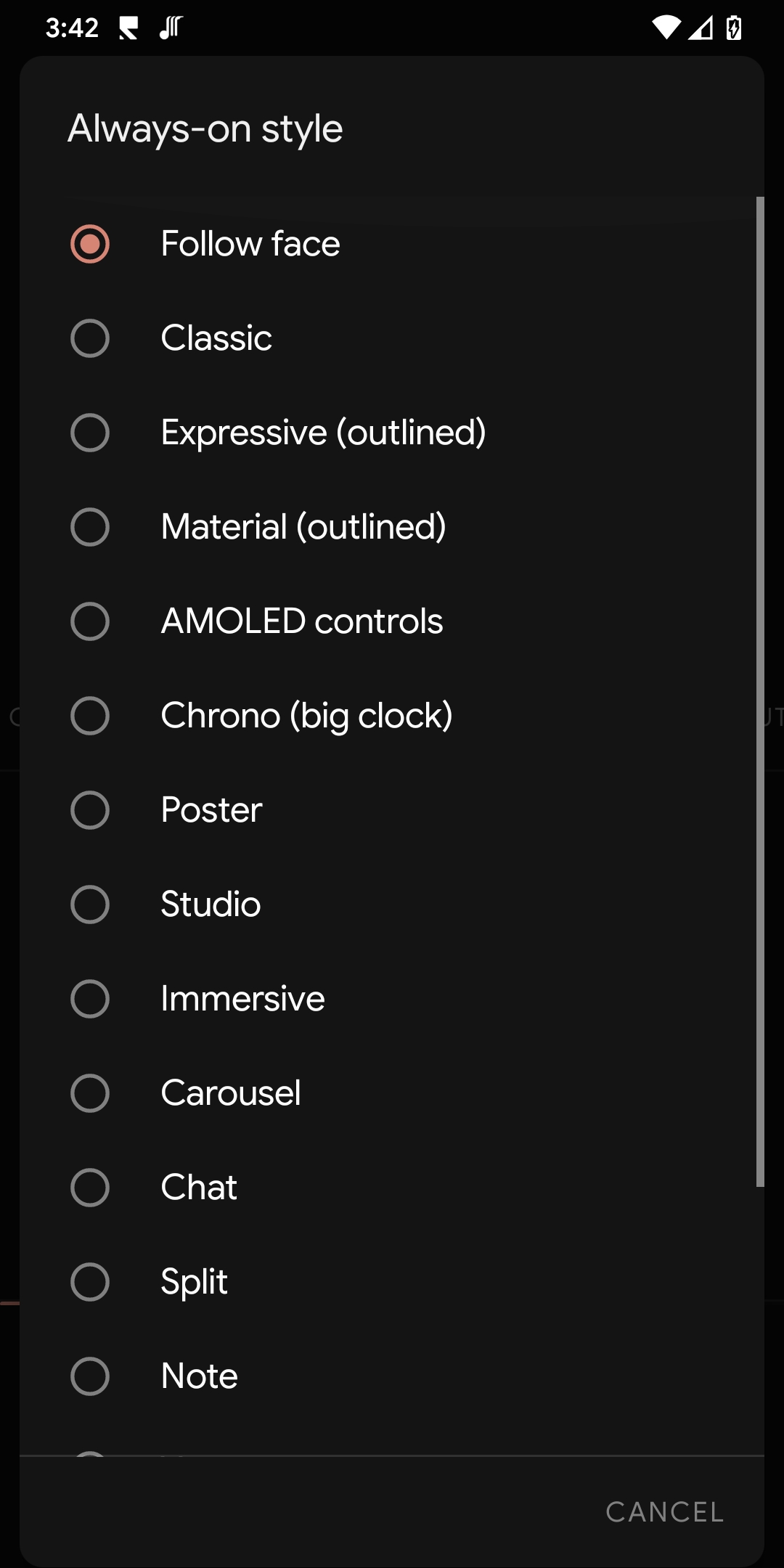
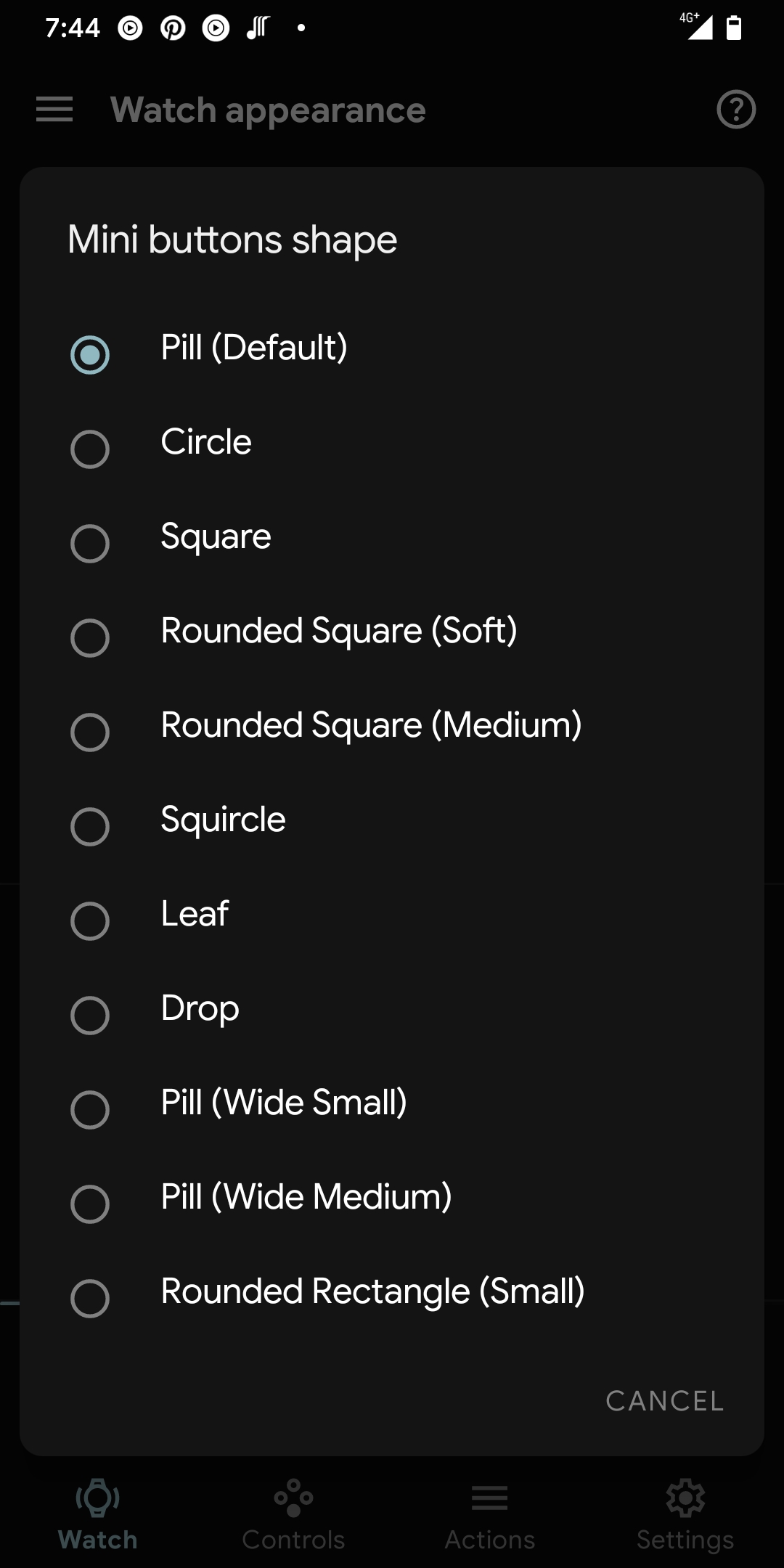
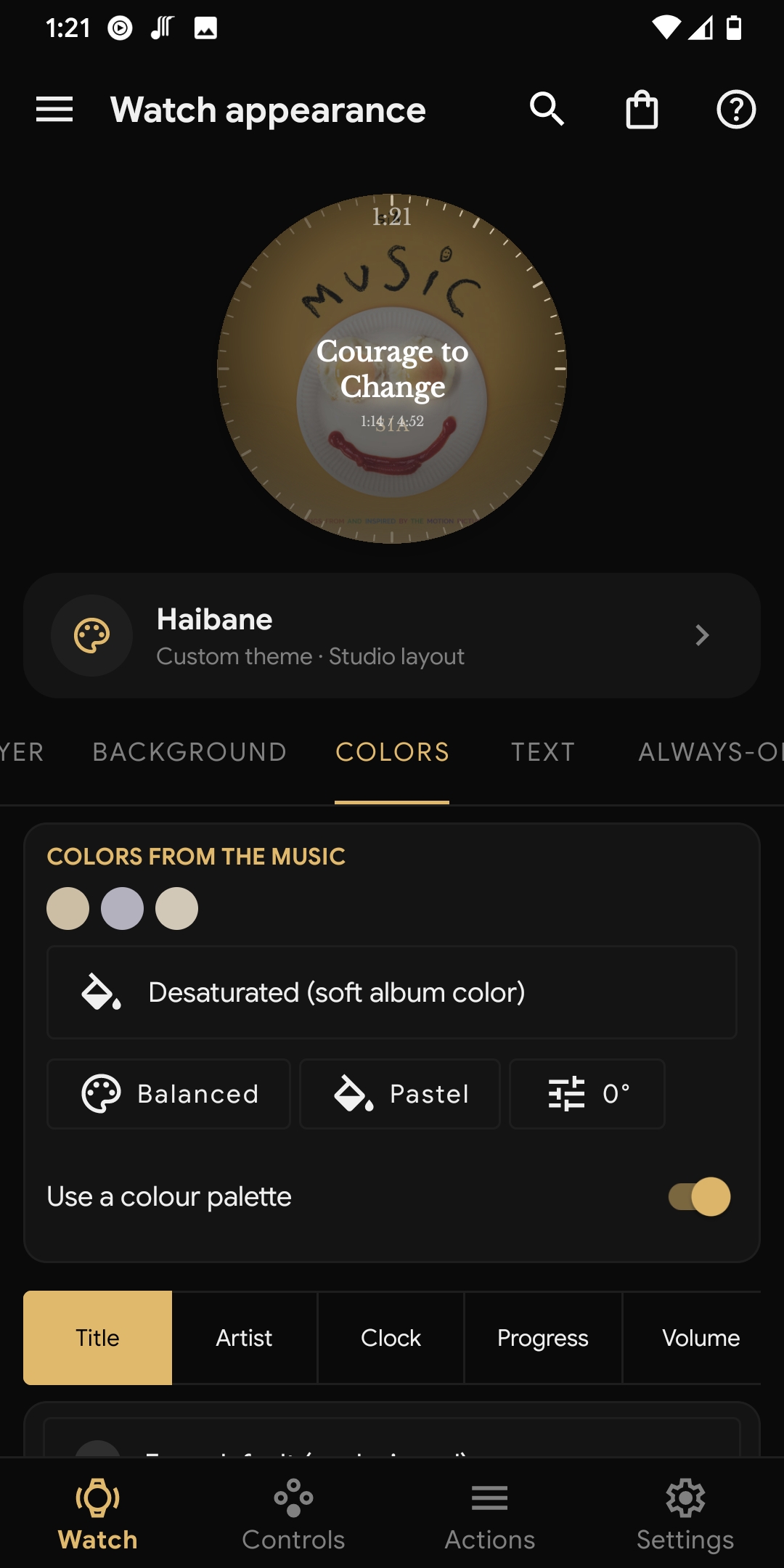
Store appearance independently for each face instead of forcing one global look. Change title, artist, clock, lyrics and track-time typography; choose album treatments, color harmony, progress style, panel layout and custom button shapes.
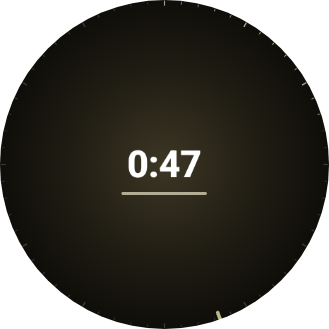
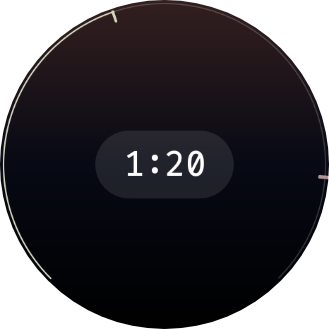
Choose an always-on presentation, artwork treatment, dim level, visibility and typography separately from the interactive player. The phone preview lets you check the ambient result before it reaches the watch.
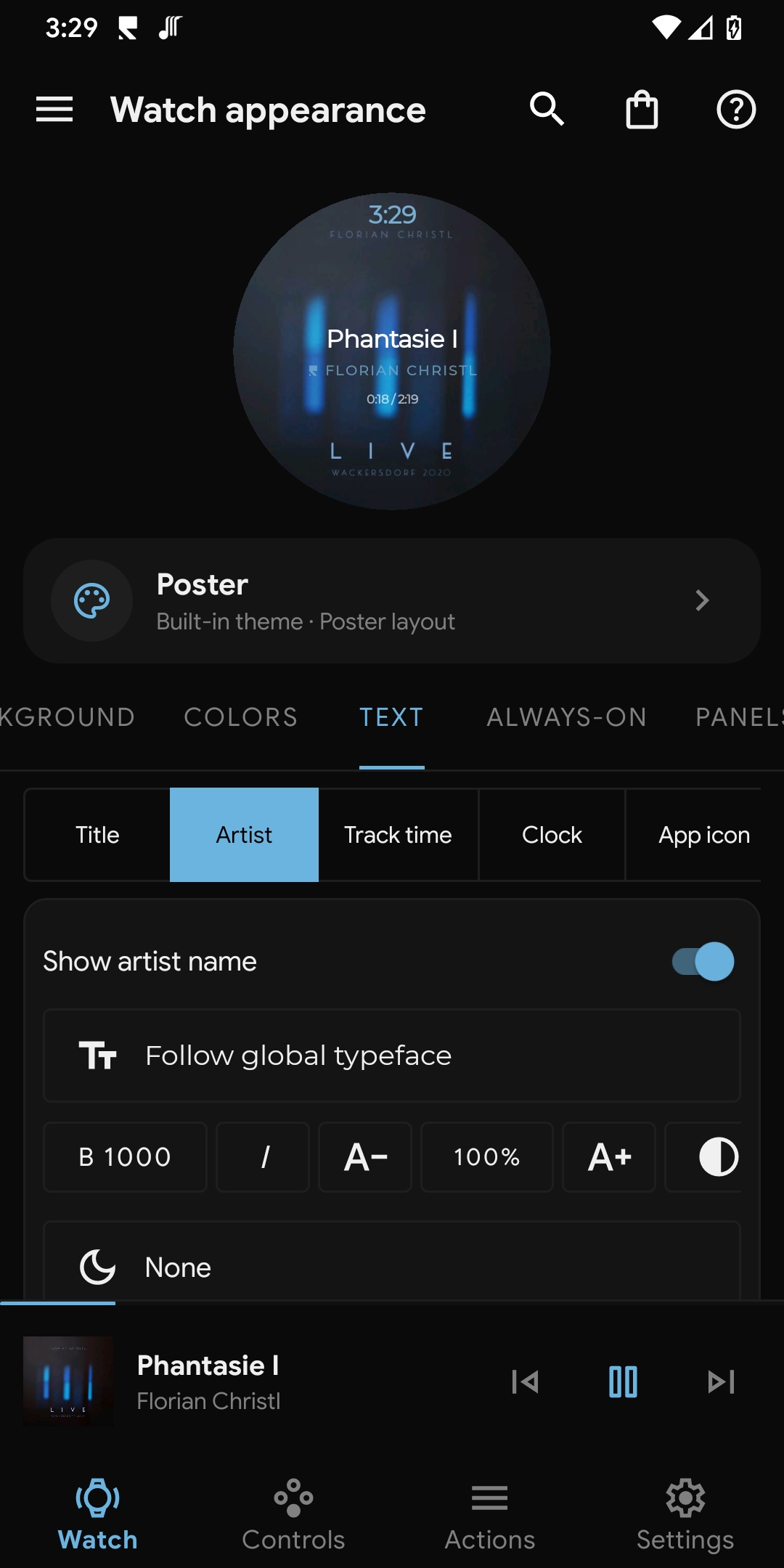
Use album-aware or custom colors, adjustable opacity, shadow, outline and backdrop treatments for the title and artist. The same visual system also covers volume, seek, panels and queue rows.
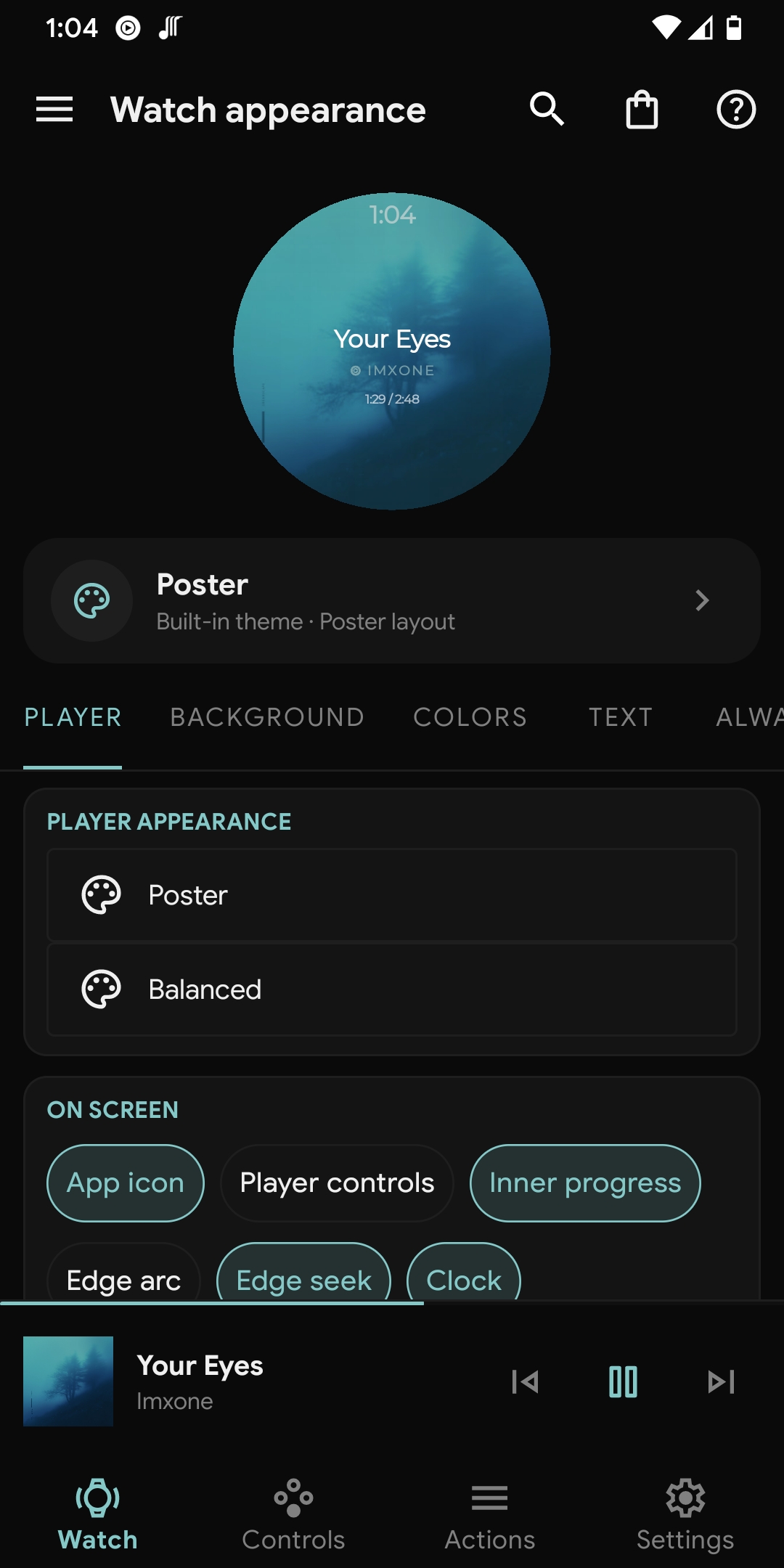
The Watch tab mirrors the current track or a built-in sample and updates as you edit. Apply, duplicate, rename or delete profiles without changing the others.
Browse a public catalogue of appearance profiles from the phone, inspect the full set of local previews and install only what you choose. A community theme is a starting point, not a locked preset.
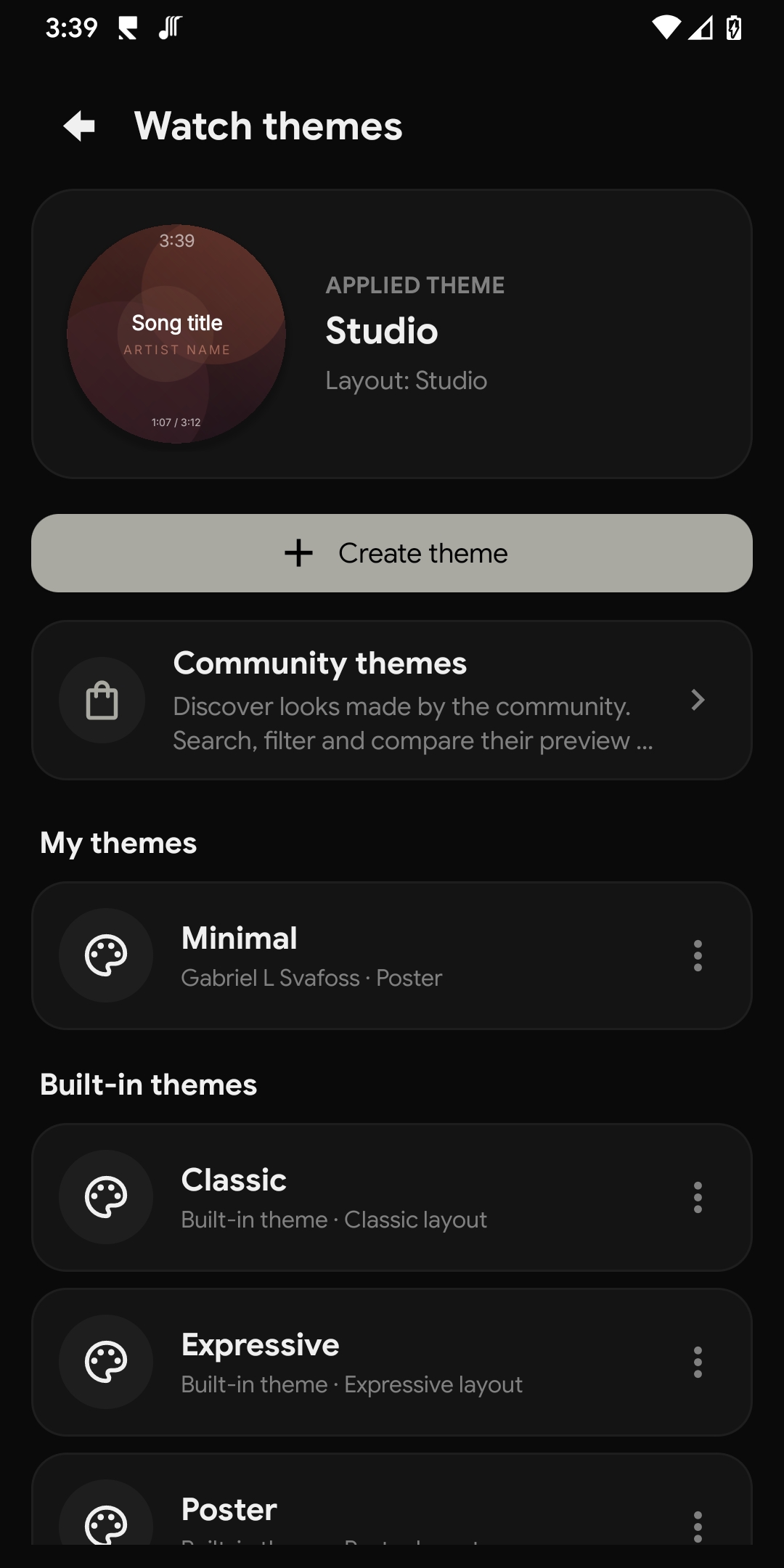
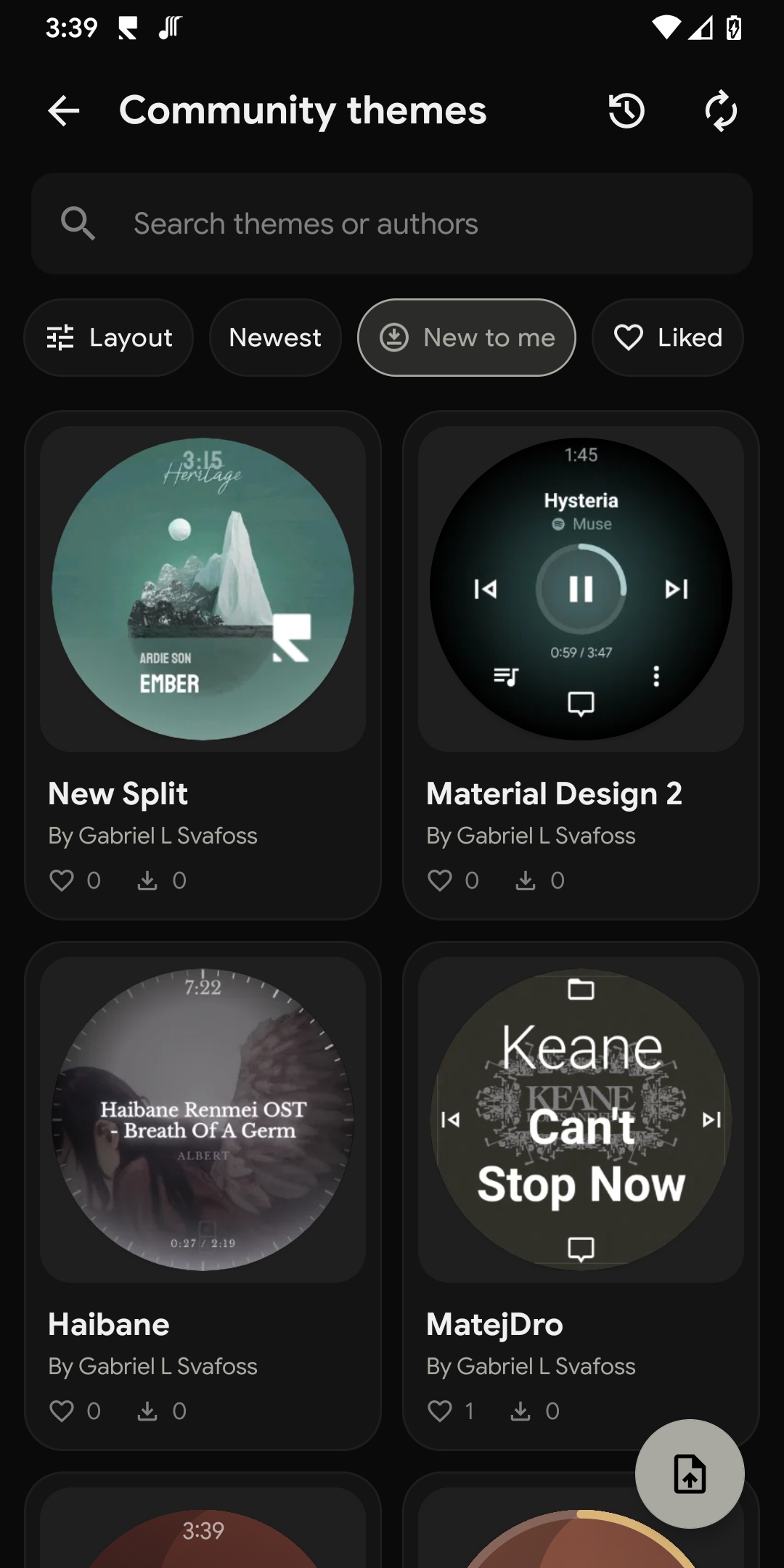
Search by theme or author, filter by base face, sort by newest, likes or installs, and inspect the full local previews before adding anything to your library.
Preview Player, always-on, Volume, Progress, Quick panel and Queue. Installing creates a local copy you can apply, edit, duplicate or remove independently.
Submit a user-owned theme for review with a public name and pseudonym or Anonymous label. Authors can optionally attach one real watch photo.
Browsing and installing need no account. Likes, installs and reports are private, while approved profiles reach the static catalogue through moderation.
Svartifoss does not replace your music app, stream audio or ask for a Svartifoss cloud account. It connects the phone and watch locally, then uses the media contracts each installed player makes available.
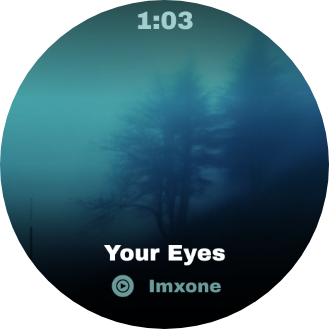
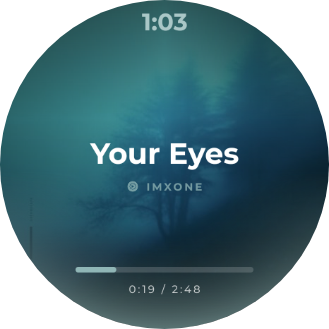
Explore real watch captures, from album-inspired layouts to lyrics and quick controls. Browse at your own pace and open any image for a closer look.
Swipe or use the arrows to browse. Select an image to enlarge.
Svartifoss means "Black Falls" in Icelandic — named after the waterfall in Vatnajökull National Park, where dark basalt columns frame a narrow cascade. Like water over stone, music flows through the app.